
Best Harrison Ford movies to watch on Amazon or iTunes
Here is a list of the best Harrison Ford movies to watch on Amazon Prime or iTunes. My favorite ones are "Indiana Jones" quadrilogy and "Blade Runner" dilogy.
Here is a list of the best Harrison Ford movies to watch on Amazon Prime or iTunes. My favorite ones are "Indiana Jones" quadrilogy and "Blade Runner" dilogy.

Here is a list of the best Edward Norton movies to watch on Amazon Prime or iTunes. My favorite ones are "Fight Club" and "The Grand Budapest Hotel".

Here is a list of the best Denzel Washington movies to watch on Amazon Prime or iTunes. My favorite ones are "Deja Vu" and "The Equalizer" dilogy.
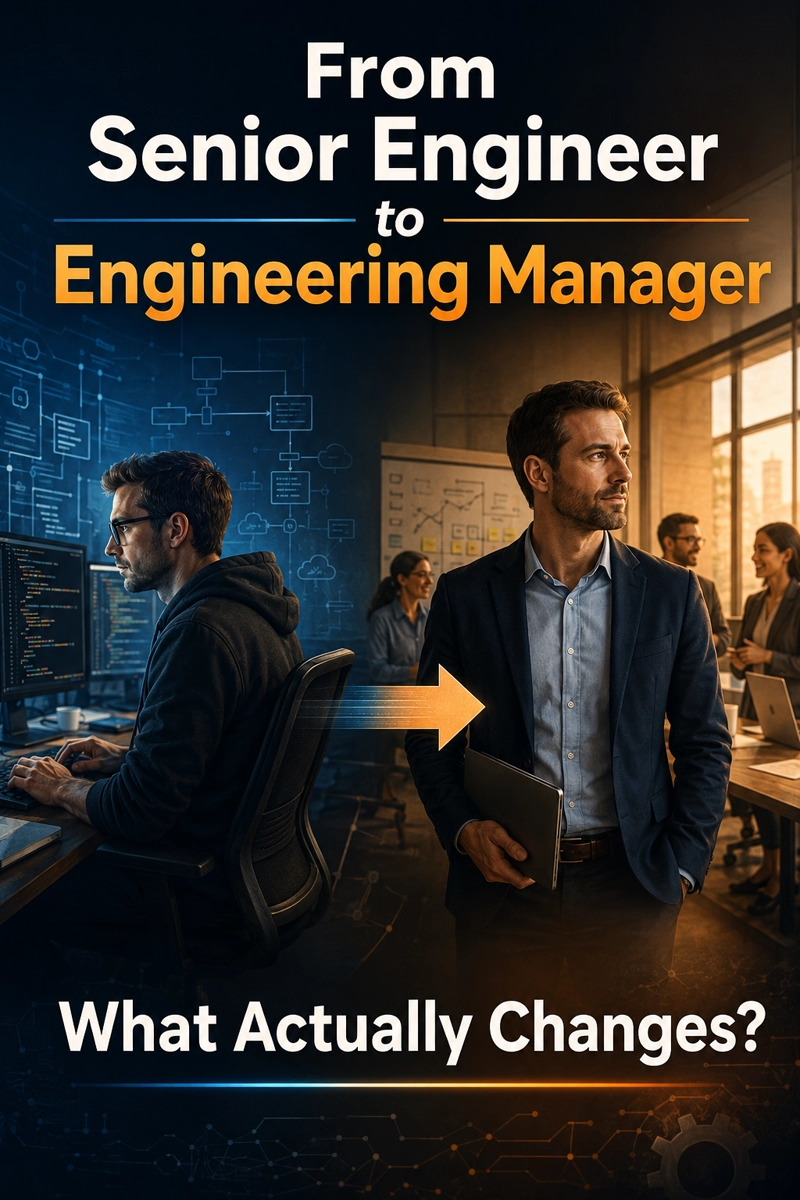
When I moved from senior engineer to engineering manager, it looked like the next rung on the ladder. In practice it felt like a career change: my output became the team's output, feedback loops stretched from hours to quarters, and my calendar became my production environment. In this guide, I walk through what changed for me, what stayed the same, which traps catch most new managers, and how I think about the first 90 days. I also cover the questions I would ask before deciding whether the manager track really fits - or whether the staff path is the better move.

Here is a list of the best Brad Ppitt movies to watch on Amazon Prime or iTunes. My favorite ones are "Mr. & Mrs. Smith" and "The Curious Case of Benjamin Button".

Welcome to our comprehensive exploration of the Samsung S24 lineup, now including the newly unveiled Samsung S24 FE. As your trusted tech guides, we're thrilled to bring you the latest insights into these cutting-edge devices. Each model in the lineup is designed to deliver top-tier performance and efficiency, powered by either the latest Snapdragon 8 Gen 3 or the advanced Exynos 2400e, depending on the region and model. All models, including the S24 FE, come with Android 14 out of the box, packed with new features and enhancements. This ensures you're getting not just powerful hardware but also software optimized to provide a seamless and innovative user experience. We'll dive into pricing, expert reviews, and detailed specs of each model, from the flagship S24 Ultra to the feature-rich yet affordable S24 FE. Whether you're a tech enthusiast or a casual smartphone user, we aim to provide all the information you need to make an informed decision. Let's dive in and explore what the Samsung S24 lineup has to offer!

Are you interested in investing but not sure where to start? Investing can seem overwhelming, but it's a crucial step in building a stable financial future. In this beginner's guide, we'll walk you through the process of getting started and help you create an investment strategy that fits your goals and risk tolerance. We'll start by explaining the different types of assets you can invest in, including stocks, cryptocurrencies, commodities, indexes, and exchange-traded funds (ETFs). We'll also cover the importance of diversifying your portfolio to minimize risk and maximize returns. To help you get started, we'll provide a list of recommended tools and tactics, including paper trading accounts, stock market simulators, and investment apps. And if you're not sure how to document your investments or create a balance sheet, we'll cover that too.
Tags: how-to

Running PowerShell in a Docker container has many benefits, such as being able to run isolated environments, access to a large number of pre-built images, and more. However, one of the challenges of using PowerShell in Docker is being able to use custom modules. This can be especially important if you're relying on specific scripts or functions that are not included in the default set of PowerShell modules. In this article, we'll cover the steps for running PowerShell in Docker with custom modules, so you can take full advantage of the benefits that containers offer for your PowerShell scripts.

If you're looking to secure your data on Amazon Web Services (AWS), encrypting your Elastic Block Store (EBS) volumes is a must. Encryption provides an extra layer of protection to your data, ensuring that even in the unlikely event of a data breach, your sensitive information remains secure. This guide will take you through the process of encrypting an EBS volume, from start to finish. By following these simple steps, you'll have peace of mind knowing your data is protected by industry-standard encryption methods.

Creating a custom ESXi image can be a valuable way to streamline and optimize your virtualization environment. With a custom image, you can incorporate the necessary drivers, applications, and configurations to ensure that your environment runs smoothly and efficiently. In this guide, we will explore the steps required to create a custom ESXi image and configure it to meet your specific needs. Whether you are looking to enhance your existing infrastructure or are setting up a new virtualization environment, understanding how to create a custom ESXi image is a must-have skill for any IT professional.
Tags: automationvirtualization